
Busy hours pull staff into order taking
When staff spend peak time capturing orders, service, prep, and checkout coordination can all slow down.
Serve Smarter. Grow Faster.
Qreat brings QR ordering, multilingual menus, kitchen handoff, and sales insights together in one platform. Keep your current POS while making the flow from ordering to operational insights smoother.
Keep using your current POS
Qreat Order
New orders
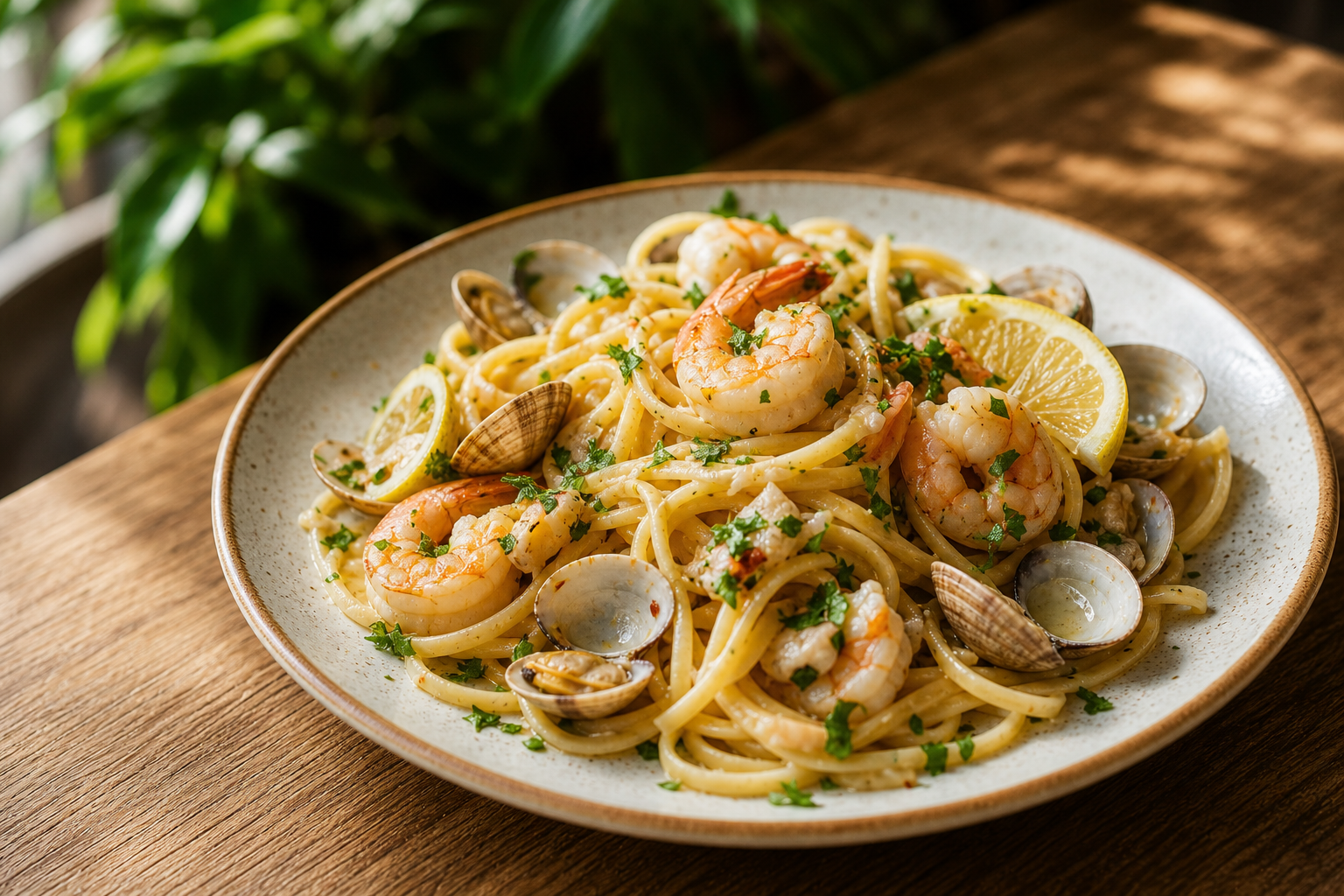 Seafood linguine1 item
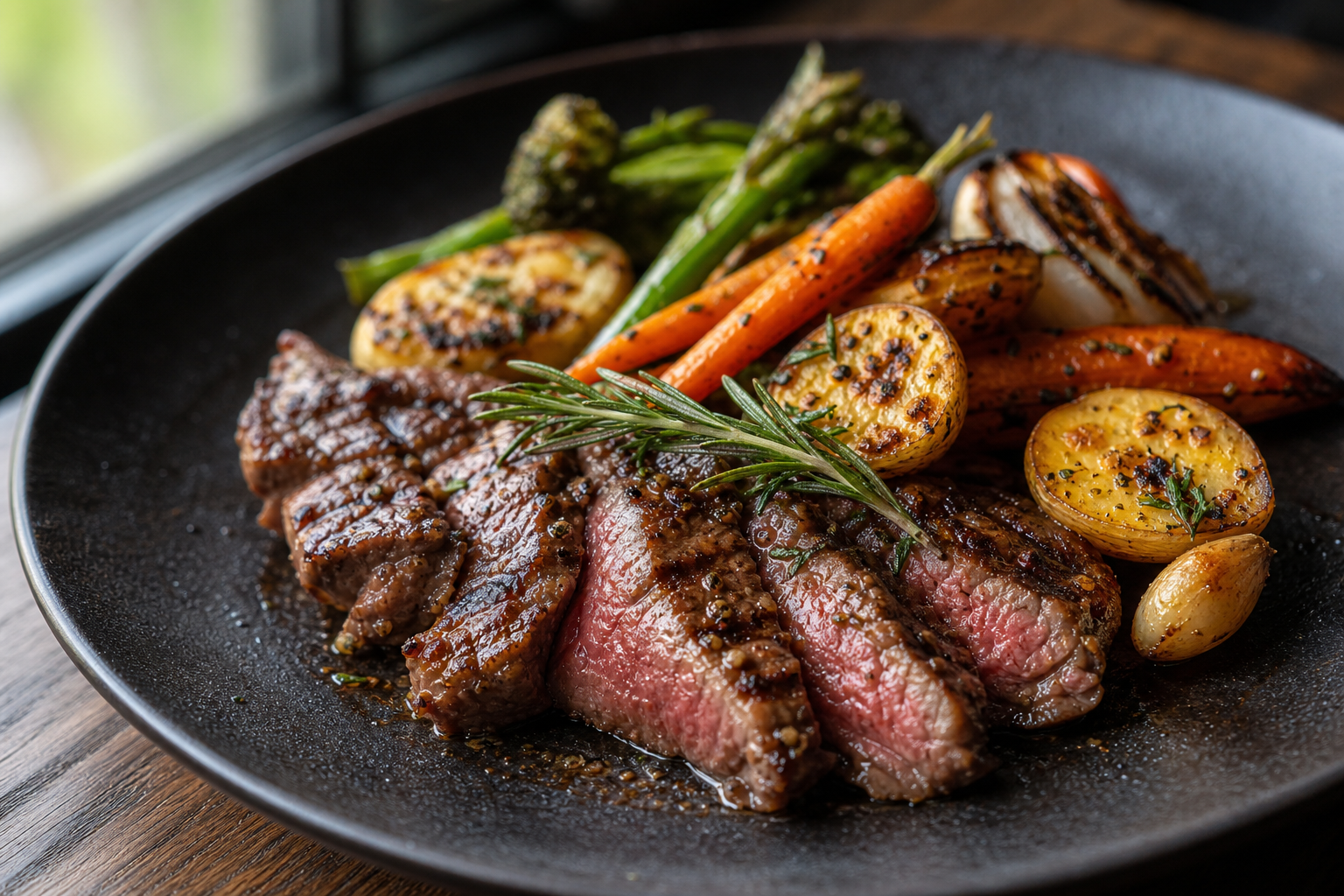 Grilled steak1 item
 Cafe latte2 items
Order status
Guests order by phone
Orders arrive clearly
Improve what happens next
Operator pain points
Qreat is designed around the operational pain points that show up when the floor gets busy: ordering, language support, kitchen handoff, and understanding what is actually selling.
When staff spend peak time capturing orders, service, prep, and checkout coordination can all slow down.
Verbal and paper-based ordering can create corrections and rework when the floor is under pressure.
Without multilingual menus, international guest support can become manual and inconsistent.
Large replacement projects can bring cost, training, and operational change before the restaurant is ready.
Product
Manage QR ordering, multilingual menus, kitchen handoff, and business analysis while continuing to use your current POS for checkout.
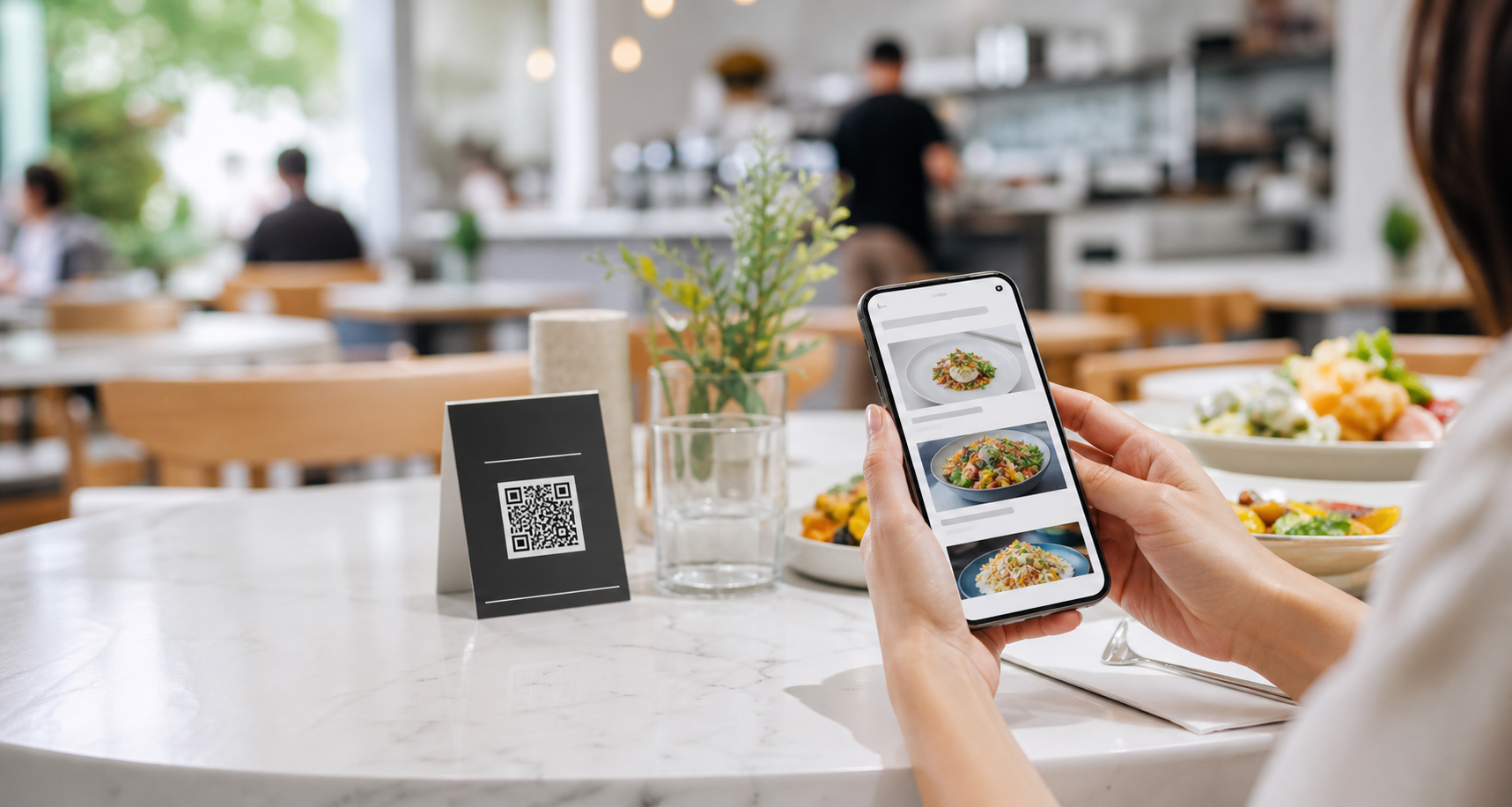
Guests scan a table QR code, browse the menu, and send orders without waiting for staff.
Maintain menu content in one place and make it easier for international guests to order.
Organize incoming orders for preparation, with printing support where needed.
Update menus, view order status, and adjust live operations from the restaurant dashboard.
Review item performance, time-of-day patterns, and menu trends to support better decisions.
POS coexistence
No installation visit or phone-led onboarding is required. Keep your current POS and follow the web setup flow to start QR ordering.
Existing printers are supported only when their model and connection method appear in Qreat’s compatibility guidance.
Open Qreat on the restaurant iPad and create the owner account and store.
Set up menus, table QR codes, kitchen display, and a supported printer.
Run a test order and print, then publish the QR menu when everything is ready.
QR setup
Every restaurant operates differently. Choose the QR setup that fits your interior, service style, and guest experience.
Create branded print-ready QR materials on Qreat.ai while daily table and order operations stay focused in Qreat Manager.
A freestanding QR display for cafés, bars, hotels, and restaurants that want a visible and premium presentation.
Suitable for
A permanent QR code placed directly on the table for fast and simple ordering.
Suitable for
A discreet QR format shown only when ordering is required, helping premium restaurants maintain a clean table setting.
Suitable for
A QR display for counters, entrances, takeaway areas, food courts, and self-service ordering.
Suitable for
Choose it. Design it. Download it. Set it up yourself.
Use the Qreat QR Designer to create professional QR materials using your own logo, colours, table numbers, and preferred format.
Open QR DesignerQreat provides the digital design files. Your restaurant arranges printing, physical stands, plates, stickers, and installation.
Flexible service
Qreat does not require restaurants to remove personal service. Restaurants can choose when and where QR ordering is presented.
Adoption steps
01
Have stable internet, a restaurant iPad, and the menu information ready.
02
Complete signup online with monthly billing or discounted annual billing.
03
Follow the setup flow for menus, table QR codes, kitchen display, and a supported printer.
04
Confirm a test order and print, then publish the QR menu and start using it.
AI Command Center
Qreat does more than accept orders. It stores item performance, time-of-day patterns, and multilingual menu behavior so your team can review what to improve next.
Ask Qreat AI
Multilingual orders are rising around 6pm. Show photos of best sellers first and begin preparing fried items 10 minutes earlier for the next rush.
Live Restaurant Flow
Orders and menu activity are collected
Prep status and waits stay visible
Item, time, and language patterns emerge
Insights become clear next actions
Top item
Concentrated from 12:00-13:00
Language
Items with photos are selected more often
Kitchen
Adjust prep before the next peak
Use cases
Qreat is best when you want to add a modern ordering layer without rebuilding your entire restaurant stack.
Pricing
Cancel monthly plans before the next renewal, or choose annual billing to get 12 months for the price of 10. Prices automatically use the currency for your access region.
The free demo is currently available while subscriptions remain closed. Explore ordering and store operations first.
Prices are shown in USD based on your site language. Annual billing gives 12 months for the price of 10.
Save $38/year with annual billing
For restaurants starting with QR ordering and basic management
Save $78/year with annual billing
For restaurants adding multilingual menus and day-to-day management tools
Save $138/year with annual billing
For operators who want sales analysis and improvement guidance
Try the ordering experience, then complete plan signup and web onboarding without a sales call.
A ticket-based add-on for enhancing real dish photos for menu use. Buy only the credits you need, separate from Qreat subscriptions.
See what is included in standard plans and where individual consultation is a better fit.
| Feature | Starter | GrowthRecommended | Pro AI |
|---|---|---|---|
| QR ordering | Included | Included | Included |
| Table QR | Included | Included | Included |
| Menu management | Included | Included | Included |
| Order management | Included | Included | Included |
| Kitchen display | Included | Included | Included |
| Printing | Included | Included | Included |
| Multi-language support | Not included | Included | Included |
| Auto translation | Not included | Included | Included |
| Inventory management | Not included | Included | Included |
| Analytics | Basic | Detailed | Detailed |
| AI-powered recommendations | Not included | Not included | Included |
| POS integration | Consultation | Consultation | Consultation |
| Multi-store | Consultation | Consultation | Consultation |
| Custom development | Consultation | Consultation | Consultation |
$19/ month
$39/ month
$69/ month
Qreat Photo Studio
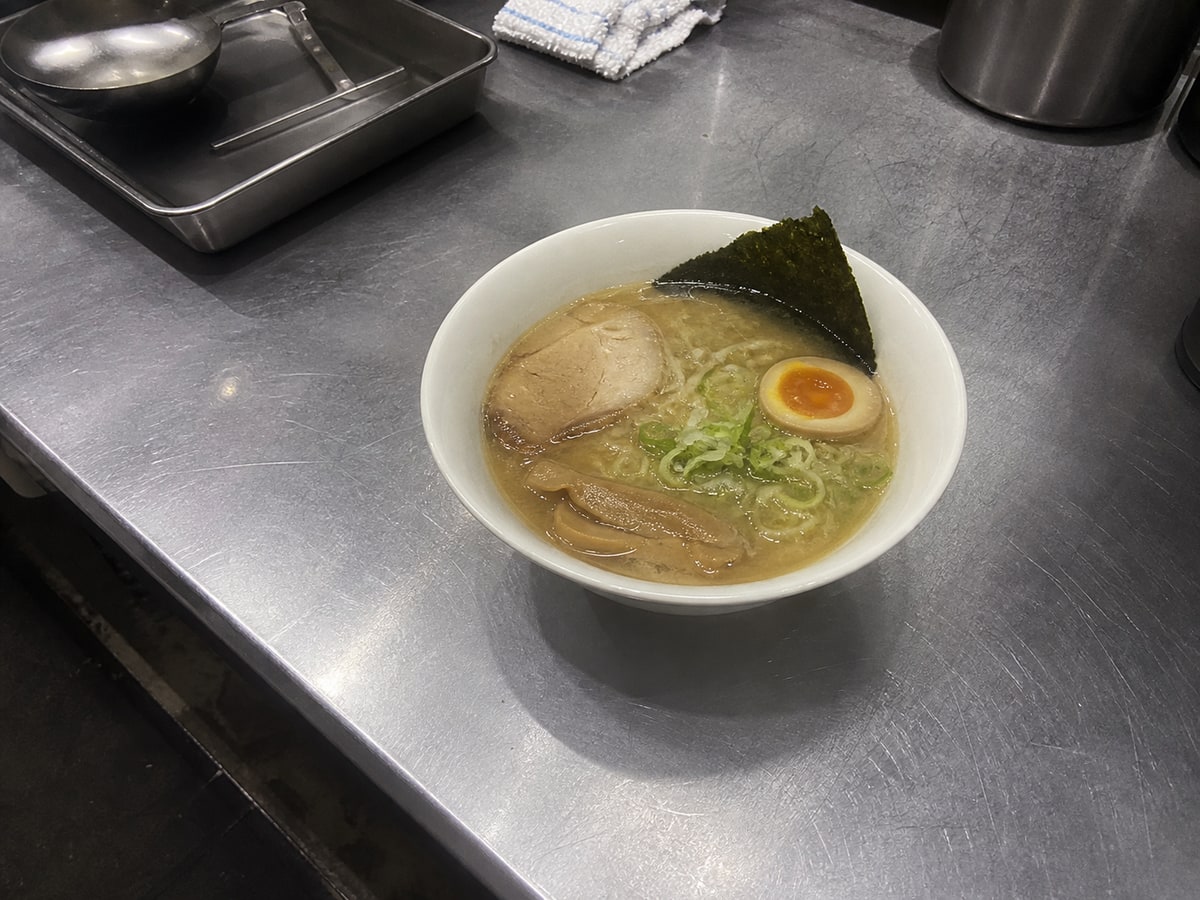
Enhance real smartphone dish photos for menu use without changing the actual food. Better photos help QR ordering and multilingual menus communicate clearly.
Photo workflow
Enhance the photo, preserve the dish
 Before
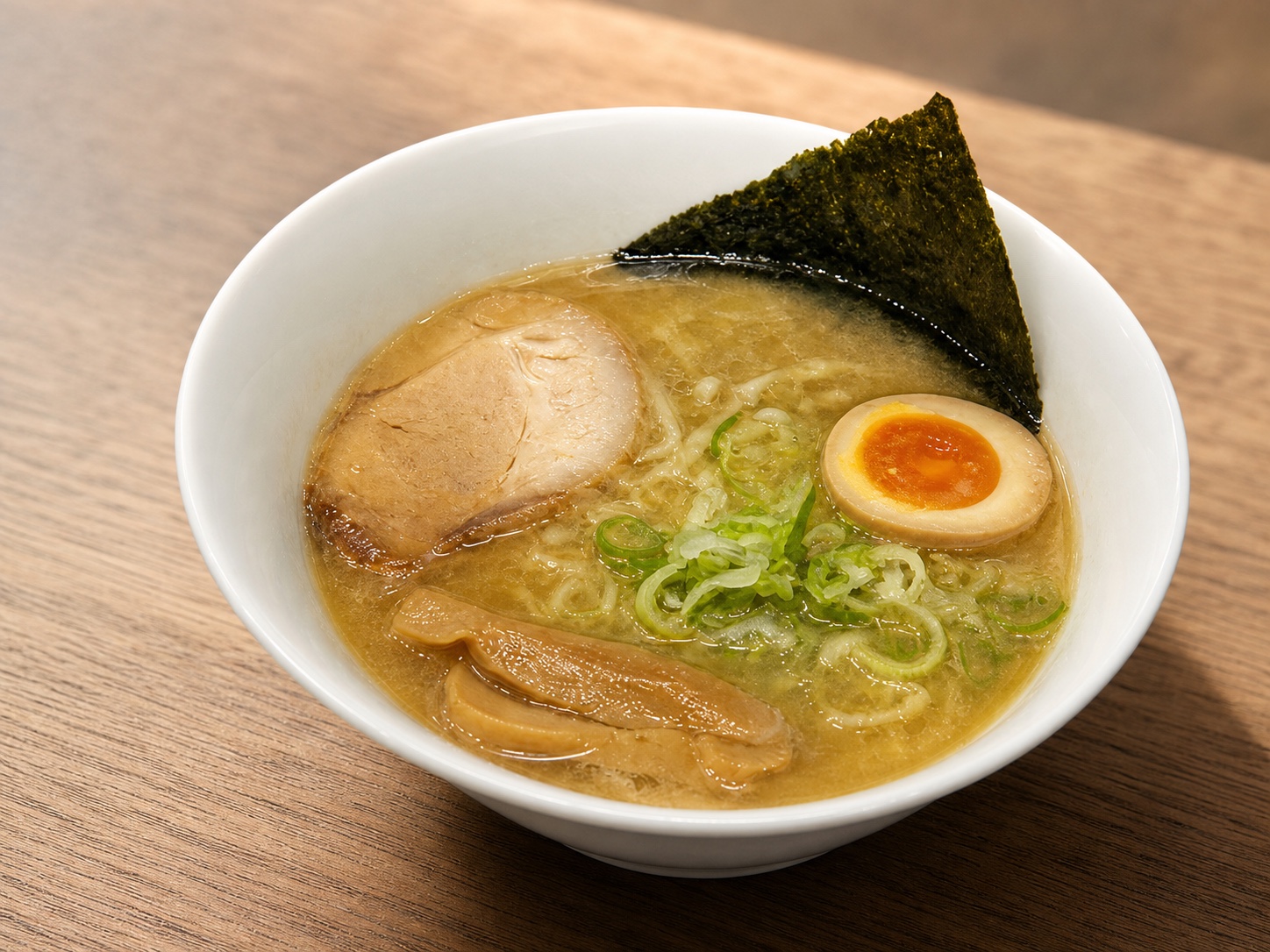 After
AfterCommon questions
No setup fee and no minimum term on monthly plans. Configure the store and menu on the web, test an order, and publish.
Onboarding stays online with web and AI guidance. Check printer compatibility before launch.
Contact
Check whether Qreat can fit your restaurant while keeping your current POS, menu workflow, kitchen handoff, and analytics needs in view.
We usually reply within 1 to 3 business days.
Company
Qreat is operated by Solovate as a QR ordering and order management service for restaurants. Personal residence and phone details are not published, but legal name and address will be disclosed without delay when legally required or validly requested.
Business Name
Solovate
Representative
Sole proprietorship registered in Japan
Location
Remote operations including Japan and Kuala Lumpur
Contact
hello@qreat.ai